
1
Choose your inputs
Text, images, start & end frames, or reference media
Generate videos from text, images, and multi-modal inputs
Full control with start & end frames, references, and audio
Free credits · Fast generation · No watermark
Text, images, start & end frames, or reference media
Tell the AI how the video evolves
Get a smooth cinematic result in minutes
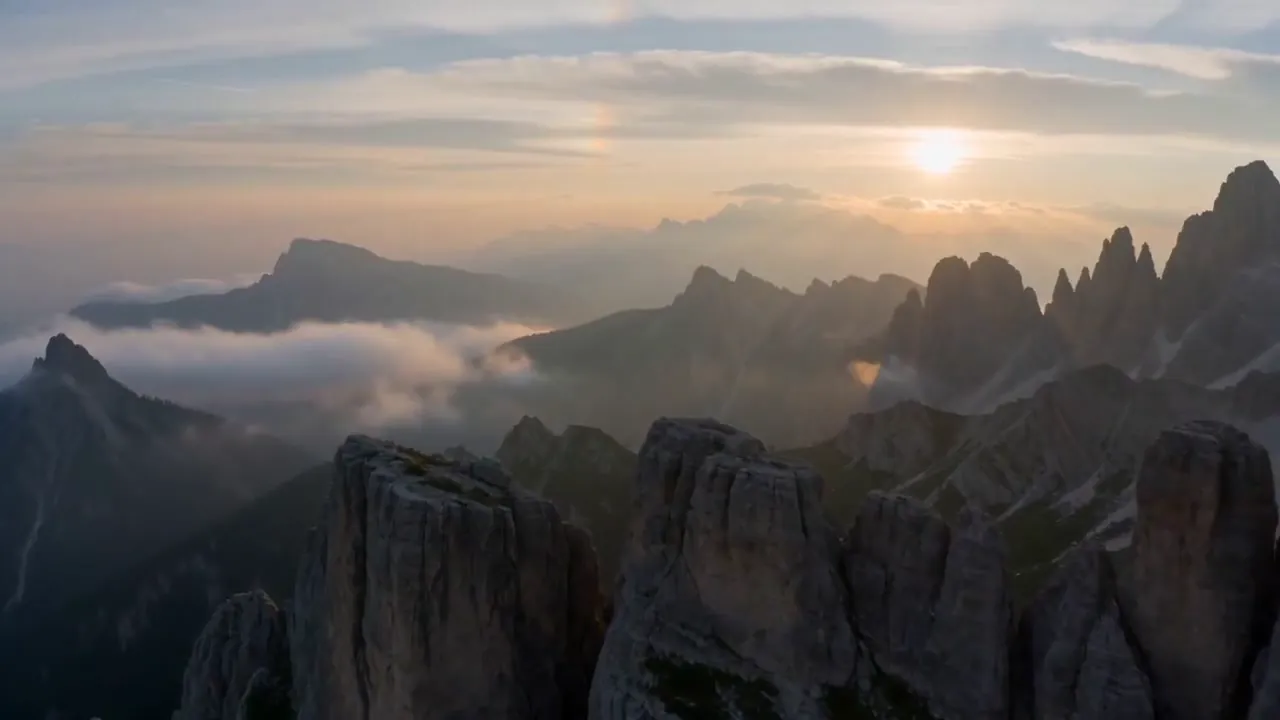
Skip the generic feature grid and show the real Seedance 2.0 capabilities with actual video examples.
Featured control
Define exactly how your video begins and ends.
Perfect for transformations and storytelling.
Reference stack
Use images, videos, and audio as references.
More control, more creative possibilities.
Motion from stills
Animate static images into dynamic videos.
Turn still frames into motion with cinematic pacing.
Prompt first
Generate videos directly from text prompts.
Go from an idea to a cinematic sequence without source media.
Sound on demand
Add voiceovers or sound to your videos.
Build more immersive results when audio matters.
Output settings
Customize duration, resolution, and style.
Dial in the exact format you need before export.
Browse real videos generated with Seedance 2.0.

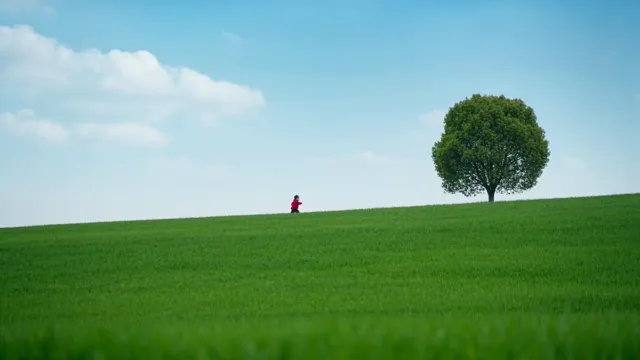
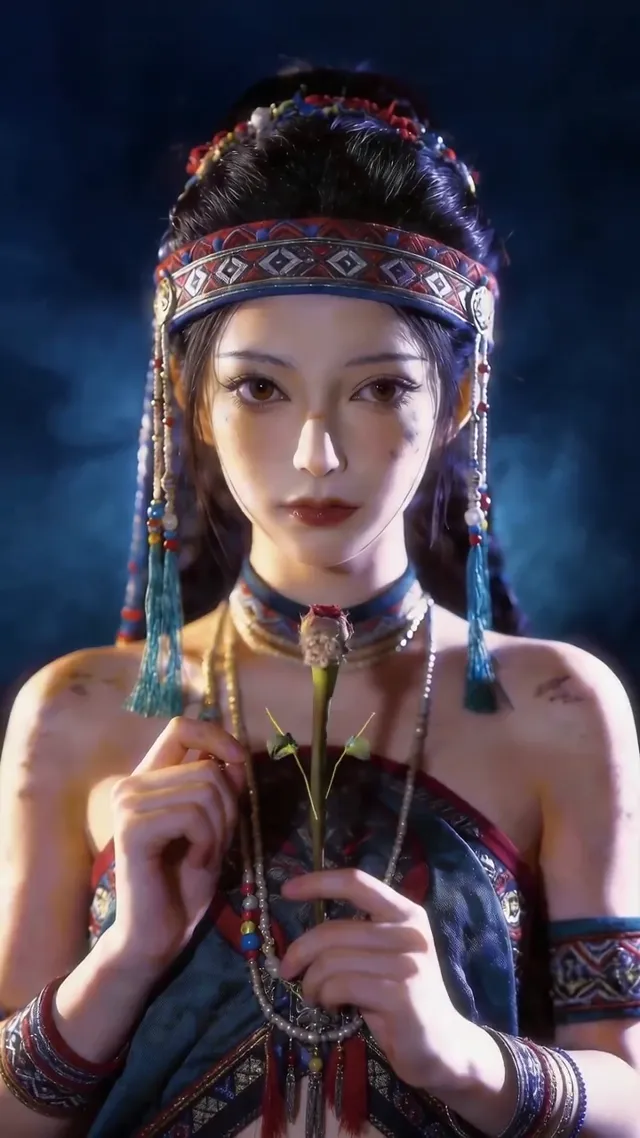
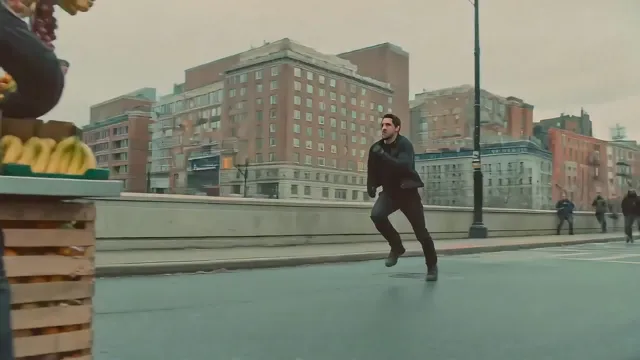
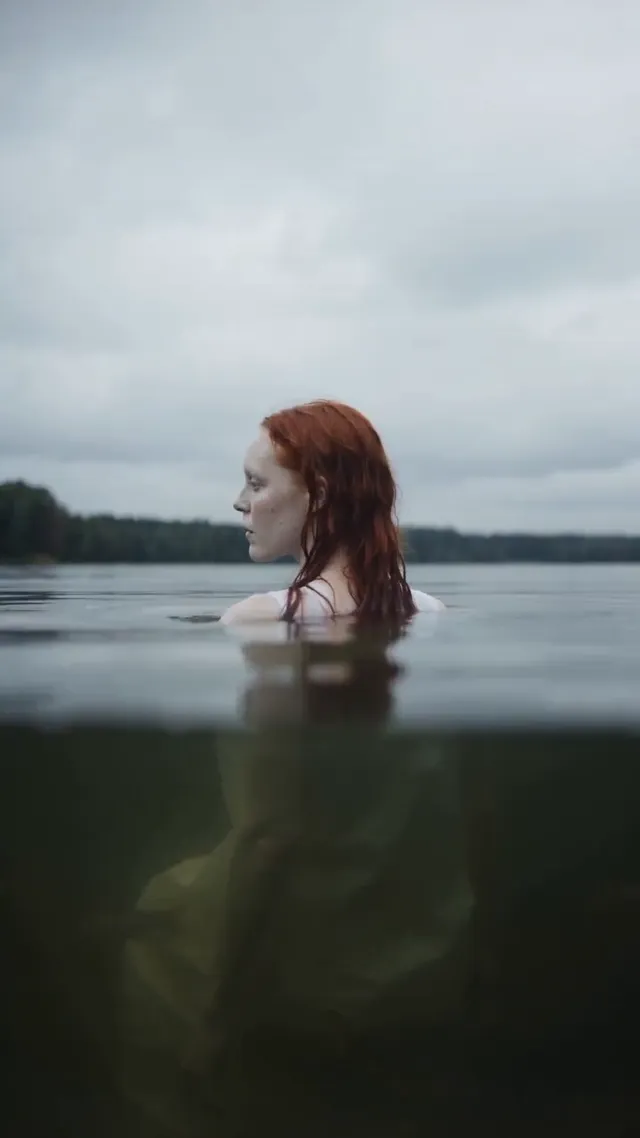
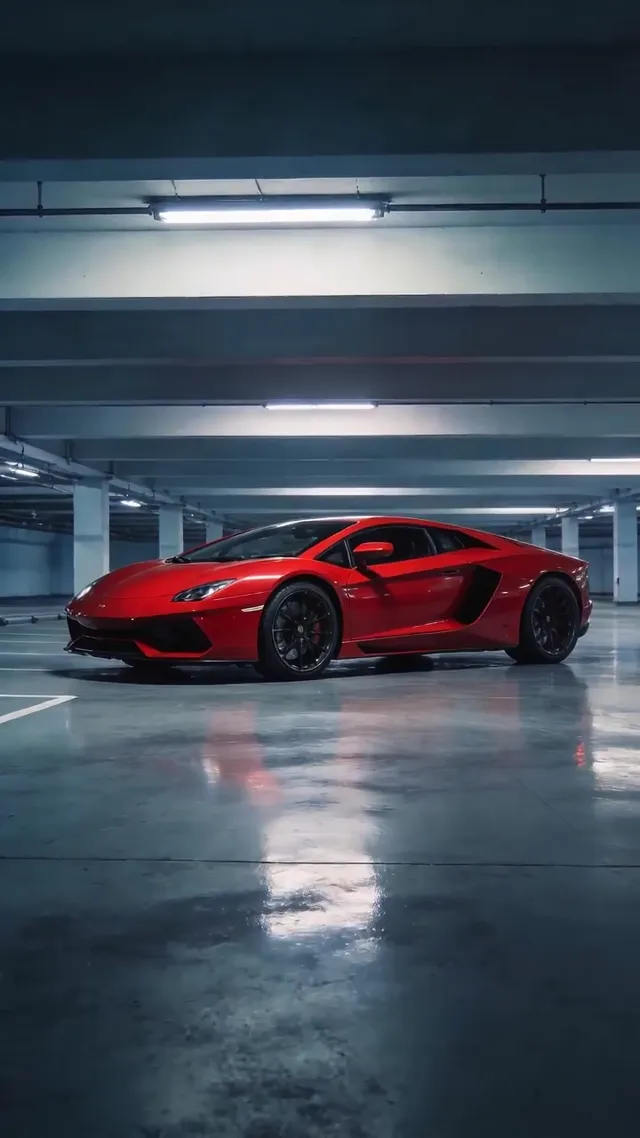

Answers to the questions that usually block someone from trying the generator.
Turn text, images, and reference media into cinematic videos in one workflow.